

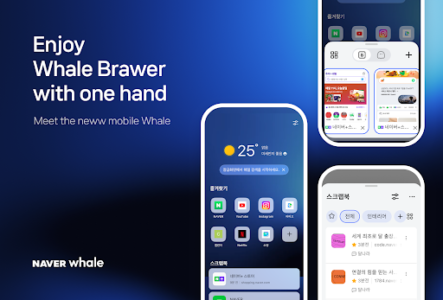
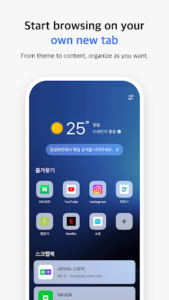
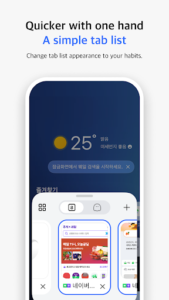
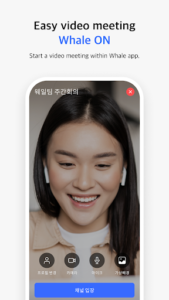
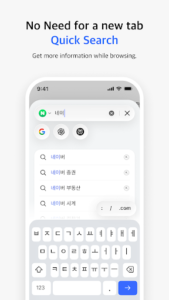

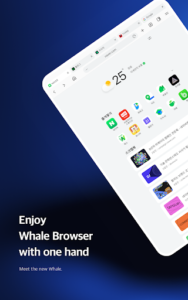
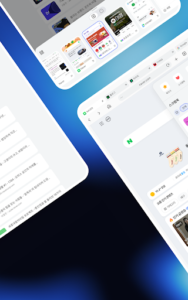
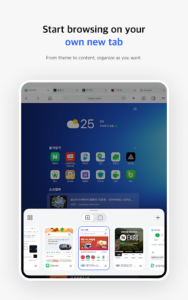
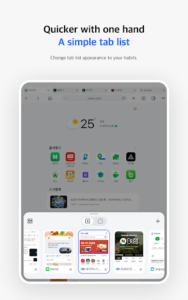
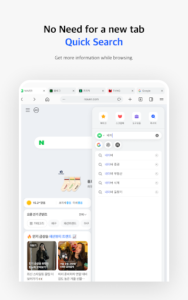
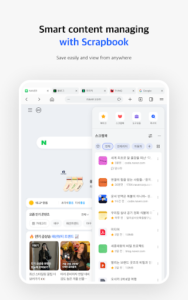
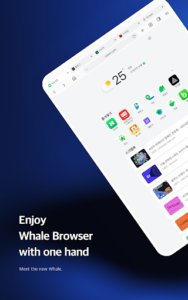
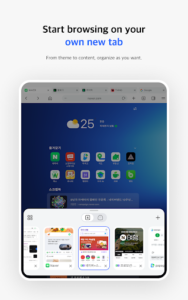
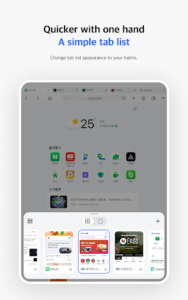
Naver Whale Browser offers a distinct approach to web browsing, designed to streamline how users interact with online content. This app enables quick searches and website access directly within an instant panel, eliminating the need to open new tabs. It also provides tools for saving web pages and images with its Scrapbook feature, and allows users to synchronize their browsing data, such as history and bookmarks, across multiple devices when signed in. An integrated CleanWeb function also works to block abusive ads, aiming for a cleaner browsing experience.
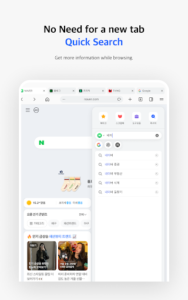
QuickSearch for Efficient Browsing
The Naver Whale Browser includes a QuickSearch feature that allows users to search and interact with websites on an instant panel. This functionality means you can access information or a new site without needing to open a separate tab, keeping your primary browsing window focused on your main task.
QuickBar for Accessible Bookmarks
For quick access to frequently visited sites, the app provides a QuickBar. This feature functions like a bookmark bar often found in desktop browsers, but it’s integrated into the bottom toolbar and can be accessed by a simple swipe. This makes navigating to saved pages more efficient.
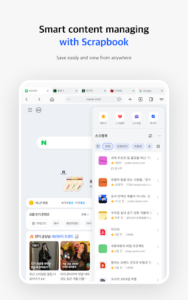
Scrapbook for Saving Web Content
Users can save web pages and images directly into the Naver Whale Browser using its Scrapbook feature. This acts as a personal repository for content you wish to revisit, offering a straightforward method to store and retrieve specific online information or visuals.
Cross-Device Data Synchronization
By signing into the browser, users can synchronize their personal data across all their devices. This includes browsing history and bookmarks, ensuring that your preferred settings and saved content are consistent and accessible regardless of which device you are using.
CleanWeb for Uninterrupted Viewing
To enhance the browsing experience, Naver Whale Browser incorporates CleanWeb, a feature designed to block abusive advertisements. This helps in achieving faster page loading times and contributes to a cleaner, less cluttered view of web content.
App Permissions and Enhanced Functionality
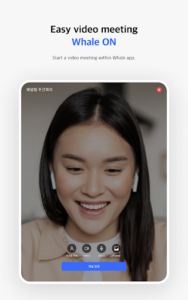
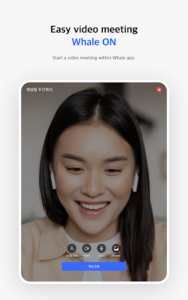
The app requires certain permissions to enable its full range of features. Camera access is needed for uploading images and participating in Whale ON video meetings. Contacts permission allows the app to provide contact information on websites, while Location permission is used to offer location-based information. Microphone access is necessary for voice input and Whale ON video meetings. Nearby devices permission facilitates connection and use of Bluetooth devices, and Phone permission enables making calls directly from websites and accessing Whale ON video meetings.
Managing Visit History
Users have control over their browsing records, with the ability to delete and restore their visit history. This capability allows for better management of personal browsing data within the app.







Write a review